Table of contents
Short answer: if you want one place where a couple can chat, send voice messages and call each other with everything translated, Heartline is the closest fit. If you only need to read an occasional message, a general translator or your messenger's built-in translation is enough. If you want to learn each other's language, use a language-exchange app alongside either.
This guide compares those four groups honestly, including where Heartline falls short. Features change often, so check the current version of any app before you commit.
Key Takeaways
- General translators (Google Translate, DeepL, Apple Translate) are excellent for text but live outside your conversation.
- Messengers with translation (WhatsApp, Telegram, KakaoTalk) translate chat text, but the calls are generally untranslated.
- Language-exchange apps (HelloTalk, Tandem) are for learning, not for a relationship's daily communication.
- Heartline is made for couples: translated chat, voice messages, live-captioned calls and video. It does not teach you the language, and machine translation still makes mistakes.


The Comparison at a Glance
| Option | Best for | Translated text chat | Translated voice or video calls | Built for couples |
|---|---|---|---|---|
| Heartline | Daily life as a couple | Yes, original and translation shown together | Yes, live captions in each person's language | Yes |
| Google Translate | Quick lookups, menus, signs | Copy and paste | Conversation mode for in-person talk; not a call tool | No |
| DeepL | Careful written text | Copy and paste | No | No |
| Apple Translate / Live Translation | iPhone owners in supported languages | Messages | Phone and FaceTime on supported devices and languages | No |
| Couples already living in it | Per-message translation | No translated calls | No | |
| Telegram | Power users | Per-message free; whole-chat translation is Premium | No translated calls | No |
| KakaoTalk | Korean-language chats | Text translation | Text only, as far as we could verify | No |
| HelloTalk / Tandem | Learning together | Chat with learning tools | Practice-oriented calls | No |
General Translators
Google Translate is the default for a reason: it covers a huge range of languages, handles camera translation for menus and signs, and has a conversation mode for two people sitting together. Its limit is structural. It is a tool you open, not a place where your relationship lives, so every message means switching apps. We compare it directly with Heartline on our Google Translate page.
DeepL is popular for written translation, particularly for the language pairs it supports well. It is a good way to check an important message before you send it. It is still a text box, and it does nothing for voice or video.
Apple Translate and Live Translation are the most interesting of the three. In iOS 26 Apple added Live Translation to Messages, Phone and FaceTime, with processing on the device. The catch is coverage: language support and device requirements are narrower than the app's general translation list, and it only helps if you both use compatible setups. Check Apple's current documentation for your languages.
Best for: occasional use, travel, and double-checking. Not ideal for: a relationship where you talk every day.
Messengers With Translation
If you already live in a messenger, its own translation is the lowest-friction start.
WhatsApp added message translation in 2025. You long-press a message to translate it, and processing happens on the device. At launch Android supported a short list of languages while iPhone supported more, so your pair may or may not be covered. We found nothing indicating that calls are translated.
Telegram lets anyone translate individual messages, while automatic translation of whole chats is a Premium feature.
KakaoTalk added message translation for a set of languages in late 2024, useful if your partner is in Korea. As far as we could verify it covers text only.
LINE also offers some translation options, but we could not confirm the current details, so look at the app itself.
Best for: couples whose relationship is mostly short texts. The gap shows up when you want to hear each other: voice messages and calls arrive in a language only one of you understands.
Language-Exchange Apps
HelloTalk and Tandem match people who want to practice each other's languages. If you want to learn your partner's language, they are good companions, and some couples use them for that. As a daily home for a relationship they are awkward, because the format centers on corrections and practice rather than just talking. They are also public networks, which is not what most couples want for their private conversations.
Best for: learning. Use one alongside a translation tool, not instead of it.
Where Heartline Fits
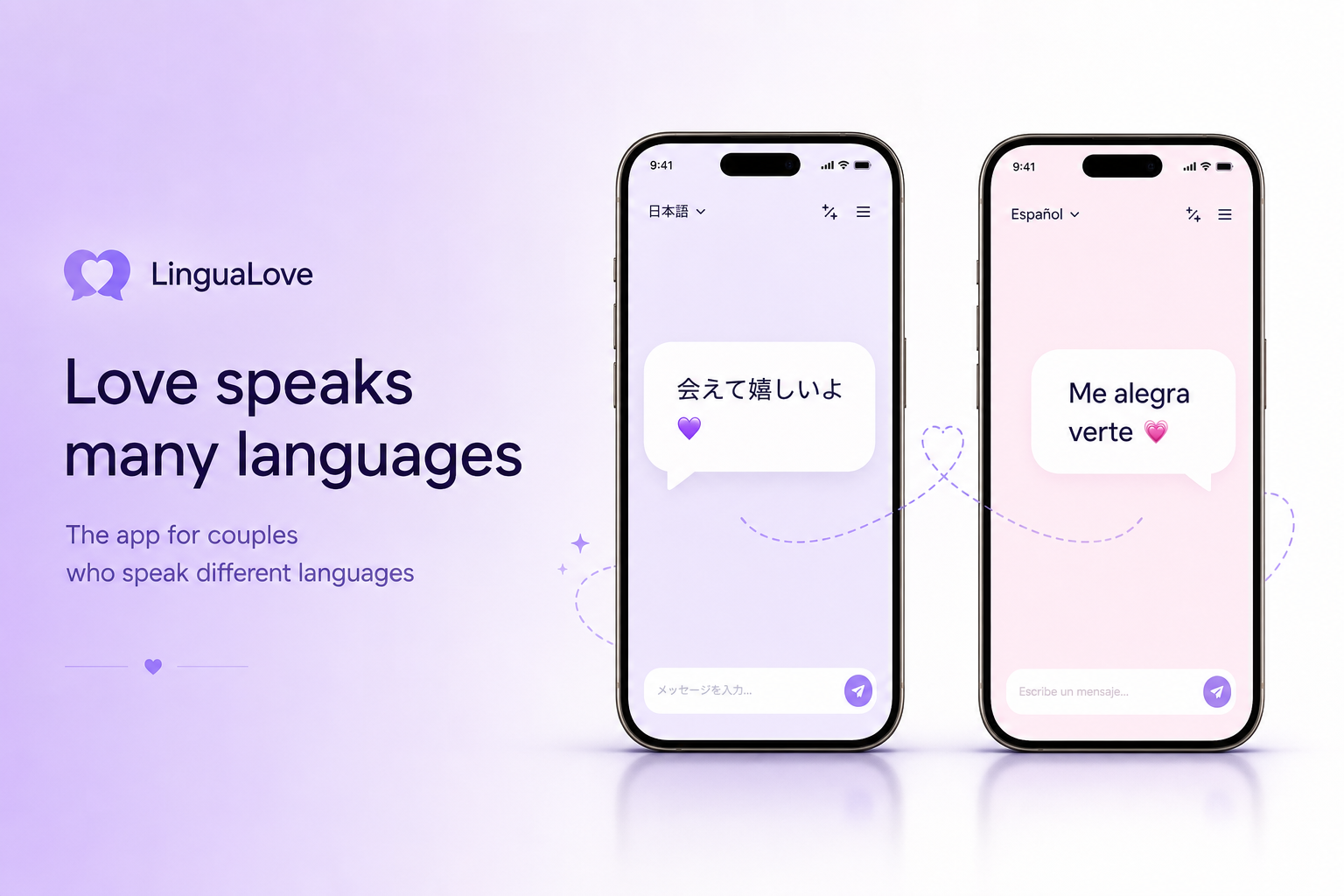
Heartline is a translation app made for two people in a relationship who don't share a first language. What that looks like in practice:
- Chat shows each message with the original and the translation.
- Voice messages are transcribed and translated, so you can listen to your partner's voice and read it in your language.
- Voice and video calls are live-captioned in each person's language.
- Pulse is an asynchronous video conversation you take turns in, with subtitles in the viewer's language. It suits couples whose schedules or time zones rarely line up.
- Together tab: a daily question, Talk Face to Face, and a partner widget for your home screen.
- Share your day lets you show local time, weather and battery. It uses your city only, never GPS.
For more on calling, see our post on translated video calls for couples.


Honest Limits of Heartline
- Machine translation is imperfect. Idioms, jokes, tone and cultural references can come through wrong. Seeing the original next to the translation helps, and a quick "did you mean...?" fixes most misunderstandings.
- Both of you need the app to get the full experience.
- It will not teach you the language. Pair it with a language-exchange app or a class if learning matters to you.
- It is built for two. It is not a group chat or business meeting tool.
- Language coverage varies. Check that your pair of languages is supported before relying on it for something important.
Which Should You Choose?
| If this is you | Start with |
|---|---|
| Daily chat, voice notes and calls in two languages | Heartline |
| Mostly short texts, already on WhatsApp or Telegram | The messenger's built-in translation |
| Occasional translation or travel | Google Translate or DeepL |
| iPhone on both sides, supported languages, want something built in | Apple Live Translation |
| Want to learn each other's language | HelloTalk or Tandem, plus any of the above |
Many couples end up combining two of these. That's fine. The aim is to keep the conversation moving, in whichever way suits the two of you. For a broader roundup, see best apps for couples who speak different languages.
Frequently Asked Questions
What is the best translation app for couples who speak different languages? It depends on how much you talk. For occasional messages, Google Translate or a messenger's built-in translation works. For daily chat, voice messages and calls, an app built for couples such as Heartline keeps everything translated in one place.
Can WhatsApp translate voice calls? We found no indication that WhatsApp translates calls. Its translation feature covers text messages, and language availability depends on your device.
Is Google Translate good enough for a relationship? For short exchanges, yes. For daily conversation it becomes tiring, because you copy, paste and switch apps for every message, and it has no way to translate a call as it happens.
Does Heartline help me learn my partner's language? No. It translates what you say so you can talk now. A language-exchange app or class is a better fit for learning.
Does Heartline use my exact location? No. Share your day shows local time, weather and battery using your city only, never GPS.
Frequently asked questions
What is the best translation app for couples who speak different languages?
It depends on how much you talk. For occasional messages, Google Translate or a messenger's built-in translation works. For daily chat, voice messages and calls, an app built for couples such as Heartline keeps everything translated in one place.
Can WhatsApp translate voice calls?
We found no indication that WhatsApp translates calls. Its translation feature covers text messages, and language availability depends on your device.
Is Google Translate good enough for a relationship?
For short exchanges, yes. For daily conversation it becomes tiring because you copy, paste and switch apps for every message, and it cannot translate a call as it happens.
Does Heartline help me learn my partner's language?
No. It translates what you say so you can talk now. A language-exchange app or class is a better fit for learning.
Does Heartline use my exact location?
No. Share your day shows local time, weather and battery using your city only, never GPS.

Try Heartline for free
Love speaks every language. Text, voice and video — translated in real time.